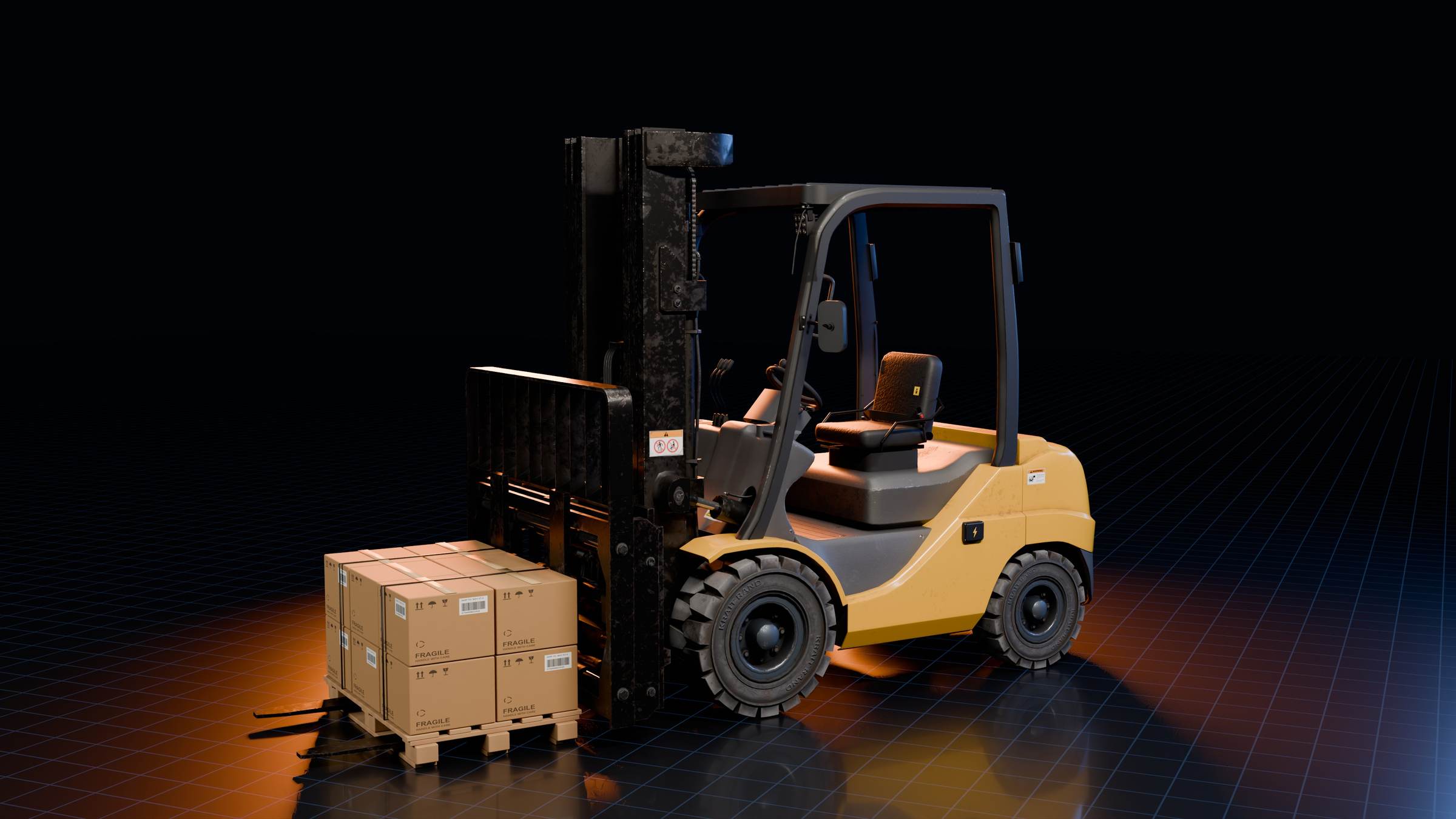
What operators practise
Handling: the truck’s controls and how it answers them, including the rear-wheel steering that swings the counterweight wide on a turn.
Load movement: picking a pallet up, lifting and lowering it, tilting the mast, and placing the load where it belongs.
Safe manoeuvring: travelling, reversing and turning in aisles and around racks, with the load carried low and tilted back.
Why train on a simulator
Practice without the risk: operators rehearse handling, manoeuvring and placement without putting machines, stock or people in harm’s way.
Repeat any scenario: the same task runs as many times as it takes, including situations that are rare or unsafe to stage on a live floor.
Meet the machine first: new operators learn the controls and the environment before their first shift, so their time on the real truck starts further along.
A simulator prepares operators; it does not replace practical training and assessment on the real machine, on your site, which still apply.
Built around your site
The simulator can be built around your own trucks and floor as a custom project: the machines you run, the layout of your warehouse, yard or training bay, and the tasks your operators do every day, so they practise in a copy of the place they will work in.
Our in-house Unity and 3D team studies the task, models the machine and its working space in real-time 3D, builds the controls and scenarios, sets the simulator up on the agreed hardware and refines it as training feedback comes in.
Who it is for
Warehouses, distribution centres and logistics operations that bring new operators on every month; manufacturing plants that move materials between lines and stores; and training institutes and skill centres that run forklift courses.
How a forklift works
Understanding the machine makes better operators. Our guide How a forklift works explains the counterweight, the stability triangle, the mast, the hydraulics and the steering, with an interactive 3D teardown you can take apart.